Can You Use a Digital Fishing License on Your Phone in Florida?
There's nothing quite like the panic of realizing you've left your wallet, and with it, your physical fishing license, back in the truck or, even worse, at home. You're already out on the water, rod in hand, and suddenly that nagging question pops into your head: "Can I just show my license on my phone?" It’s a common modern dilemma, and thankfully, the Sunshine State has embraced technology to make your life a little easier on the water. This guide will walk you through everything you need to know about using a digital fishing license in Florida, so you can fish with confidence, even if your paper copy is a distant memory.
The Short Answer: Yes, You Can!
Let's cut right to it: yes, you absolutely can use a digital fishing license on your phone in Florida. The Florida Fish and Wildlife Conservation Commission (FWC) has been a leader in modernizing access to licenses and recreational permits, understanding that most people carry their phones everywhere. This means less paper to keep track of and a much lower chance of being caught without proof of your legal right to fish. It's a huge relief for many anglers who are constantly juggling gear, tackle boxes, and the general chaos that sometimes comes with getting out on the water.
The Convenience Factor
Think about it: your phone is practically an extension of your hand these days. It's where your maps are, your weather apps, your fishing forecasts – so why not your fishing license too? The convenience of having your official documentation just a few taps away can't be overstated. No more fumbling through a soggy wallet after a sudden downpour, no more wondering if that little paper slip is still intact after a day of saltwater spray. For many, integrating their license into their digital life simply makes sense, making the overall experience of buying and carrying a Florida fishing license less of a chore and more seamless. This shift to digital reflects how we manage so many other aspects of our lives, from boarding passes to car insurance, and it's a welcome change for anglers.
What Constitutes a "Digital" License?
It's important to understand that a "digital" license isn't just any picture you snap of your physical card. It needs to be an official, verifiable electronic record. In Florida, this primarily means accessing your license through the official FWC "GoOutdoors Florida" mobile application. This app directly links to your FWC customer account, displaying your current, valid licenses and permits in real-time. It's designed to be the authoritative digital source for your fishing credentials. While a photo on your camera roll might seem convenient, it doesn't carry the same legal weight or real-time verification capabilities as the official app, which we'll delve into in more detail shortly.
Navigating the Florida Fish and Wildlife Conservation Commission (FWC) GoOutdoors Florida App
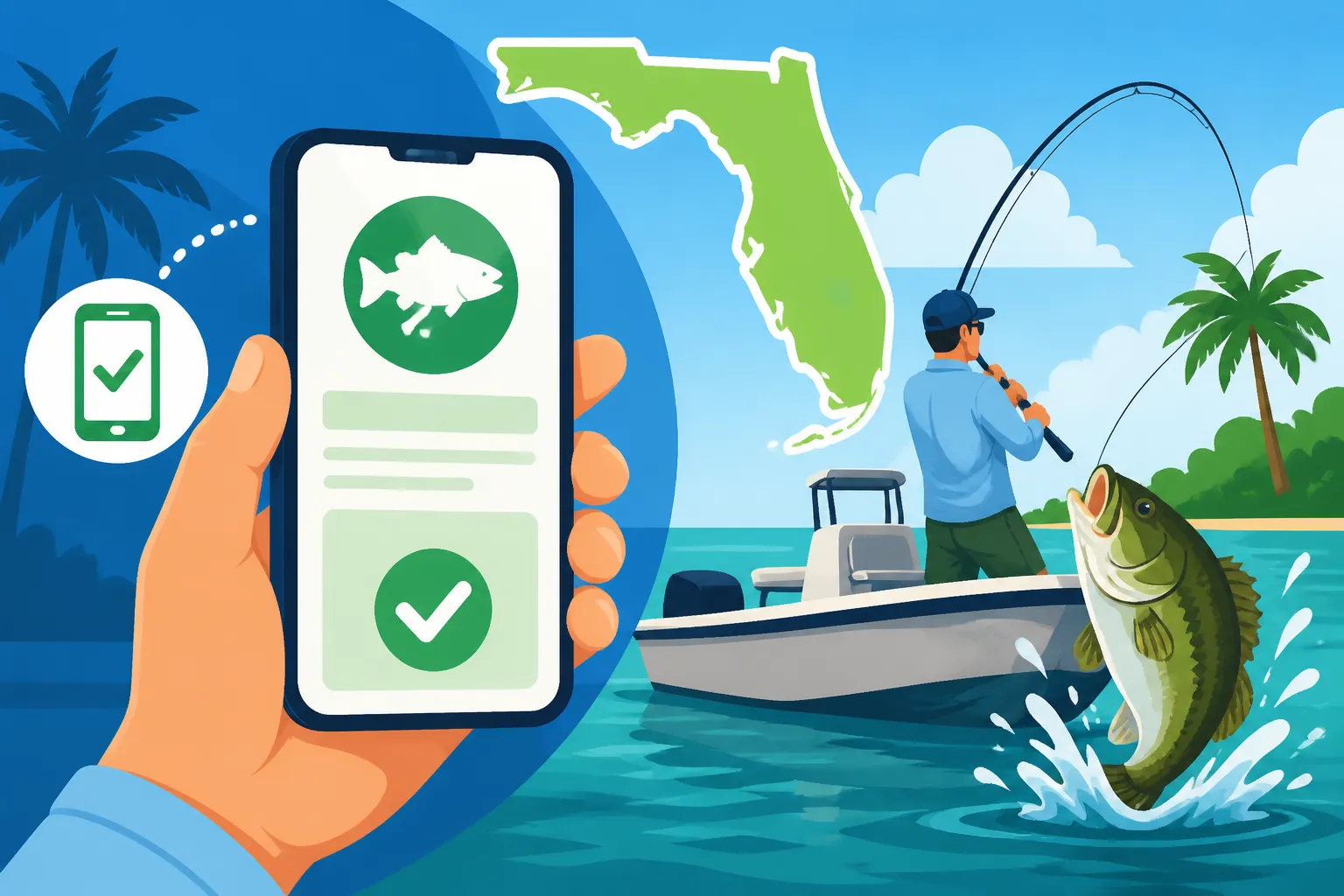
The heart of digital licensing in Florida lies with the FWC's dedicated mobile application, "GoOutdoors Florida." This app is your one-stop shop for everything from purchasing a new license to renewing an existing one, and most importantly, displaying your valid licenses to law enforcement. Getting comfortable with this app is key to a smooth digital licensing experience.
How to Download and Set Up the App
Getting started with the GoOutdoors Florida app is pretty straightforward, much like any other mobile application. You'll want to head to your device's app store – either the Apple App Store for iOS users or the Google Play Store for Android devices. Search for "GoOutdoors Florida" or "FWC Fish Hunt FL." Once you find the official app (make sure it's published by the Florida Fish and Wildlife Conservation Commission), download and install it.
After installation, the first thing you'll need to do is either create a new FWC customer account or log into an existing one. If you've ever purchased a license online or in person, you likely already have an account. You'll typically use your driver's license number or a unique FWC customer ID to link your identity to your account. This step is crucial because it's how the app pulls up all your purchased licenses and permits. It might take a moment or two to set up initially, but once you’re in, all your relevant information should be readily accessible. For more detailed guidance on acquiring licenses, you can refer to our guide on How to Buy a Fishing License Online.
Accessing Your Licenses and Permits
Once you're logged into the GoOutdoors Florida app, you'll find a section dedicated to your licenses and permits. Tapping on this will display a list of all your active recreational licenses, including your general fishing license, and any specific permits you might hold, such as a Florida Snook Permit Requirements or Florida Lobster Permit Requirements. The app clearly shows the type of license (e.g., resident annual freshwater, non-resident 3-day saltwater), the effective dates, and your unique customer ID.
Beyond just displaying your license, the GoOutdoors Florida app often offers other handy features. You might find options for reporting harvests (which is mandatory for certain species), checking current fishing regulations and bag limits, or even finding nearby FWC offices. These integrated features make the app a powerful tool for any Florida angler, far more useful than just a static image. Always make sure to open the app and verify your license status before heading out, especially if you're venturing into areas where cell service is notoriously spotty. The app generally stores a cached version of your license once you've successfully logged in and viewed it, but a fresh login confirms everything is up to date.
Beyond the App: Other Digital Proof Options
While the GoOutdoors Florida app is the primary and most convenient method for displaying your digital fishing license, it's not the only way to prove you're licensed, especially in immediate situations or if you're not a heavy app user. There are other digital avenues that can provide valid proof, though they often come with their own set of limitations.
Printed Proof from Online Purchase
When you purchase a fishing license online through the FWC's GoOutdoorsFlorida website, you typically receive a confirmation email or have the option to print a temporary license. This printout often serves as valid proof of your license for a short period, usually up to 10 days, while you await your official plastic card in the mail or simply as an immediate solution. This temporary printout contains all the necessary information, including your customer ID, license type, and validity dates, which can be verified by law enforcement.
While this isn't a "digital on your phone" solution in the strictest sense, many anglers will save the PDF of this temporary license to their phone or email. This gives them a digital copy they can access, although it still differs from the live, interactive nature of the official app. It’s a good interim solution or a backup to your primary digital display if you prefer to have multiple forms of proof. Just remember its temporary nature and ensure you get your official card or rely on the GoOutdoors Florida app for long-term digital proof.
The "GoOutdoors Florida" Website
Another digital option, though perhaps less user-friendly on the go than the dedicated app, is the FWC's main GoOutdoorsFlorida website. You can access your FWC customer account directly through your mobile browser. By logging in, you can view your licenses, purchase new ones, and check their status. This can be a lifesaver if, for some reason, you can't access the app (maybe due to storage issues on your phone or a temporary app glitch).
While navigating a full website on a mobile browser can be a bit clunkier than using a purpose-built app, it still provides official, real-time access to your license information. Just like with the app, you'll need a reliable internet connection to log in and view your details. It's a useful fallback, especially if you've already established an account and linked your licenses. This method also allows you to print a new copy of your license if needed, giving you a physical backup in case your phone decides to call it quits mid-fishing trip.
Important Considerations for Digital Licenses
Embracing digital licenses offers incredible convenience, but it's not without its potential pitfalls. Just like any technology, there are factors you need to consider to ensure your digital license is always accessible and valid when you need it most.
Battery Life and Phone Damage
This is probably the most common and frustrating issue for anyone relying solely on their phone for important information. Imagine you’re reeling in a monster snook, the FWC officer pulls up, and your phone battery decides that’s the perfect moment to die. Or worse, your phone takes an unexpected swim. Without a powered-on, functional device, your digital license is useless.
To avoid this, always start your fishing trip with a fully charged phone. For longer outings, especially if you're using navigation apps or taking lots of photos, consider bringing a portable power bank. These external battery packs are readily available on platforms like Amazon and can be a real lifesaver. Furthermore, protect your phone from the elements. Florida's humid climate, sudden downpours, and the ever-present threat of saltwater mean a good waterproof case or even a simple heavy-duty Ziploc bag is a smart investment. You don't want a splash or an accidental drop to render your proof of license inaccessible, potentially leading to a "Penalty for Fishing Without a License in Florida" citation.
Connectivity Issues and Remote Areas
Florida boasts some incredible fishing spots, but many of them are off the beaten path, far from reliable cell towers. If you're out in the Everglades or deep within one of the state's vast freshwater systems, you might find yourself in a cellular dead zone. While the GoOutdoors Florida app is generally designed to cache your license information once you've successfully logged in and viewed it, relying solely on this cache can be risky.
It's always a best practice to open the app and confirm your license is visible before you leave an area with good cell service. This ensures the information is fully loaded and stored on your device. If you encounter an FWC officer in a remote area without service, and your app fails to load, you could still run into issues. This is where having a physical backup, even a printed copy stored in your tackle box, truly shines as a safety net.
Law Enforcement Encounters
FWC officers are well-versed in digital licenses. They're equipped with technology to verify your license status if needed, and they understand that many anglers now prefer the digital format. When an officer asks to see your license, simply open the GoOutdoors Florida app and present the active license screen on your phone. They will typically look for your name, customer ID, license type, and validity dates.
The key here is presenting the official app display, not a static screenshot. Officers need to be able to trust that the information is current and legitimate. Attempting to pass off a screenshot might raise suspicions and complicate what should be a straightforward interaction. Always be polite, cooperative, and have your license ready to display clearly to ensure a quick and hassle-free check.
Common Misconceptions and Best Practices
Despite the clear benefits of digital licenses, there are still some lingering questions and important nuances that anglers often overlook. Clearing up these misconceptions and adopting a few best practices can save you a lot of headache on the water.
Is a Photo or Screenshot Enough?
Let's be absolutely clear on this: No, a static photo or screenshot of your fishing license on your phone is generally NOT considered valid proof in Florida. While it might seem convenient, and you might think it serves the same purpose, it doesn't.
Here's why: A screenshot is merely an image. It's not connected to the FWC's live database, meaning an officer cannot verify its authenticity or whether the license is still active. It's easily falsified or could be a picture of an expired license. The official GoOutdoors Florida app, however, dynamically displays your current license status directly from the FWC system. This ensures that what you're showing an officer is legitimate and up-to-date. Relying on a screenshot is essentially fishing without a verifiable license, which could result in fines or other penalties, as outlined in our guide on What Happens If You Fish Without a License.
What About Other Permits and Endorsements?
Many popular species in Florida, such as snook, lobster, or even certain federal water species, require additional permits or endorsements beyond your basic fishing license. The good news is that if you purchase these through the FWC system, they are typically linked to your main customer account and will also appear within the GoOutdoors Florida app.
So, when you display your main fishing license digitally, your associated permits should be visible as well. Always double-check that all the necessary permits for the species you intend to target and the waters you'll be fishing are active and visible in your app before you head out. This integration is another major benefit of the official digital platform, simplifying the process of carrying all your required documentation in one place.
Having a Physical Backup (Just in Case)
Even with the convenience and reliability of digital licenses, seasoned anglers often recommend having a physical backup. Technology can fail, batteries can die, and phones can get lost or damaged. Having a printed copy of your license tucked away in your tackle box, the boat's glove compartment, or even a waterproof pouch in your wallet provides an invaluable safety net.
Think of it as cheap insurance. You might never need it, but if you do, it could save you from a potential citation and the frustration of having your fishing day cut short. Many people opt for printing the license received after an How to Buy a Fishing License Online purchase. This small extra step can provide significant peace of mind, allowing you to fully enjoy your time on Florida's beautiful waters without constantly worrying about your phone's status.
Here's a quick comparison of the pros and cons of digital versus physical fishing licenses:
| Feature | Digital Fishing License (Via GoOutdoors FL App) | Physical Fishing License (Plastic Card/Paper Printout) |
|---|---|---|
| Pros | – Always with your phone – Can't lose the physical card – Real-time verification of status – Access to regulations & harvest reporting |
– No reliance on phone battery/connectivity – Tangible proof – No risk of phone damage – Easy to hand to an officer |
| Cons | – Requires charged phone – Requires app access – Vulnerable to phone damage/loss – Connectivity issues in remote areas |
– Can be easily lost or forgotten – Subject to wear and tear – Must remember to carry it – Renewal requires replacement |
| Best Practice | – Keep phone charged – Protect from elements – Verify license in app before heading out – Avoid relying on screenshots |
– Store in a secure, waterproof spot – Double-check before leaving home – Carry a backup digital version if possible |
Disclaimer
The information provided in this guide is for general informational purposes only and does not constitute legal advice. While we strive to keep our content accurate and up-to-date, fishing regulations and licensing requirements can change. Always consult the official Florida Fish and Wildlife Conservation Commission (FWC) website or contact them directly for the most current and authoritative information. Failure to comply with all applicable regulations can result in penalties.